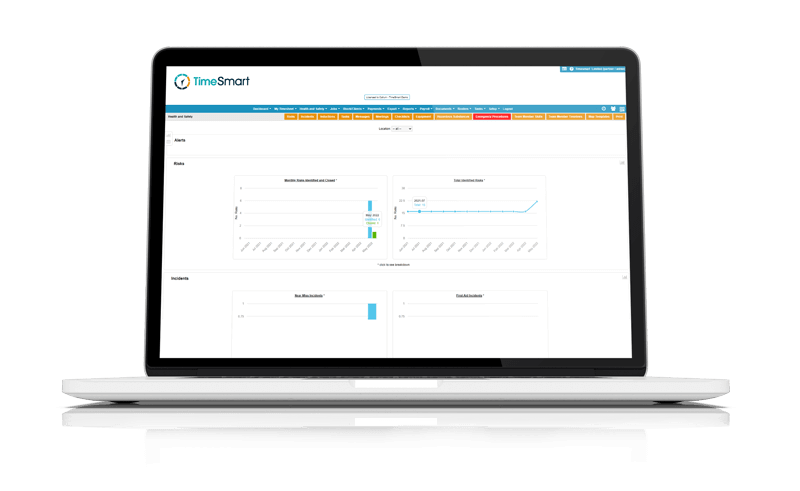
Rosters and Tasks
Plan shifts, manage tasks, and keep the day running smoothly

“The variety of reports is incredible. Whatever query management has for me, I can find the answer.”
– Ample Group –
Clarity across every job
Rosters
See who is working, who is on leave, and who is rostered off at any point in time. Rosters update automatically as leave is approved or shifts change, so you always have a clear, current view of team availability without cross checking systems or chasing updates.
Complex work patterns
Set up repeating, seasonal, or irregular work patterns once and apply them across the year. Whether you are managing rotating crews, variable hours, or seasonal peaks, TimeSmart handles complexity in the background so schedules stay accurate and easy to maintain.
Task management
Assign, track, and update tasks in one place, keeping daily work visible for both managers and teams. Tasks are clear, easy to follow, and tied to the day’s plan, helping work move forward without constant supervision or confusion.
Create budgets
Measure time automatically against jobs, stages, or activities as work happens. Budgets and actuals stay connected, giving you early visibility into overruns and helping you adjust resourcing or priorities before issues grow.
Get paid faster
Turn approved work into invoices without manual re entry. With time, tasks, and job data already aligned, invoices are ready to send at the click of a button, helping you bill accurately and get paid sooner.
Plans that stay clear
Bring rosters, availability, and tasks into one place so the day runs smoothly and everyone stays aligned.See who’s on, off, and available
Tasks stay visible and on track

Plan the day with confidence
Calendar view
Plan work in a familiar calendar layout, with rosters colour coded by team, role, or job. Build and update schedules from the office, while crews check their shifts in the TimeSmart app. Everyone can see when they are working, where they need to be, and what the day looks like at a glance.
Leave and compliance
Approved leave updates rosters immediately, so you always know when coverage is tight. Leave balances and entitlements are handled in the background, aligned with timesheets and New Zealand compliance rules. Rosters stay accurate, and you can plan work with confidence knowing leave is already accounted for.
Instant communication
Publish rosters once and they are instantly visible to your team in the TimeSmart app. Changes are seen straight away, cutting down questions, confusion, and last minute phone calls. Everyone knows their shifts before the day starts, without chasing updates.
Clear work, clearly assigned
Assign the right work, clearly
Create and assign tasks in a simple, visual interface that makes it easy to match the right work to the right people. Drag and drop tasks onto the day, add clear instructions, and make sure everyone knows what they are responsible for before work begins.
Designed for mixed teams, including staff with English as a second language, so tasks are easy to understand and nothing gets lost in translation.

The next task, already lined up
Plan ahead with a shared task board that shows what is coming next once core work is complete. Team members can see available tasks in the TimeSmart app and pick up extra work as needed, keeping the day productive without constant direction.
This helps both seasonal and permanent staff stay engaged, while work continues moving without bottlenecks.
Check in and track progress anywhere
See task progress as it happens, whether you are in the field, at home, or on the move. Updates flow straight into TimeSmart, giving you real time visibility across jobs without phone calls or check ins.
You stay connected to what is happening on the ground and in control of every task, wherever the day takes you.
Rosters that stay aligned
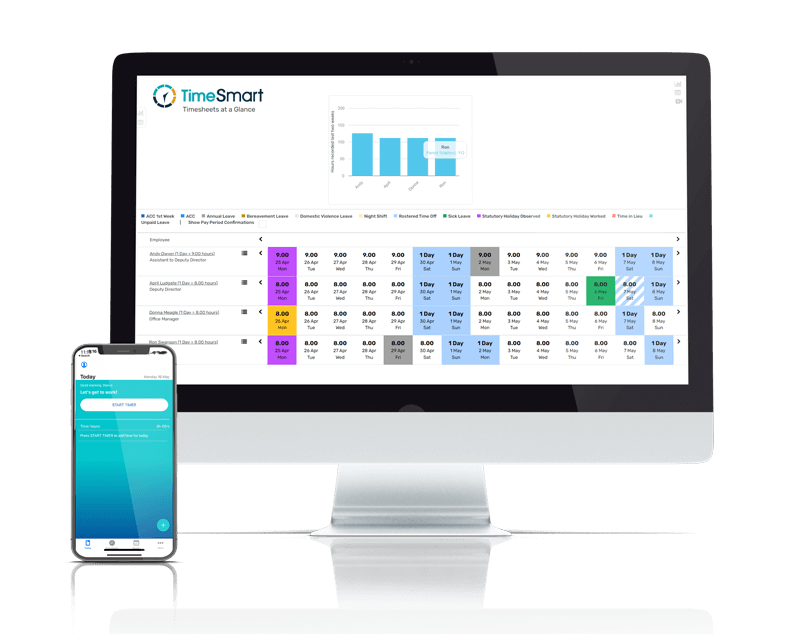
Plan the day without second guessing who is working, where they are assigned, or who is unavailable. TimeSmart brings rosters, availability, and approved leave together in one place, updating automatically as changes happen. Shifts reflect real availability, teams stay covered, and everyone sees the same plan before work begins.
Tasks without the chasing
Set up work once and keep it flowing through the day without constant check ins. TimeSmart lets you assign tasks clearly, line up what comes next, and track progress as work happens. Everyone knows what they are working on, what is coming up, and when a task is complete, so the day keeps moving without confusion or delays.
Onboarding
Onboard new staff quickly and consistently, without adding admin. TimeSmart brings job listings, recruitment, contracts, documents, and inductions into one connected flow, so everything is captured once and stays aligned. New starters can complete inductions ahead of time, arrive ready to work, and move straight into time tracking without delays. With details flowing directly into payroll, onboarding becomes a clean starting point that supports accurate records and smooth pay runs from day one.

Timesheets
Staff record time effortlessly with our iOS and Android app, even offline. For added flexibility, hours can be entered manually or through biometric devices on site. Every entry flows into payroll and rosters, giving you accurate pay runs, better scheduling, and a clear record of hours worked.
Biometric Devices
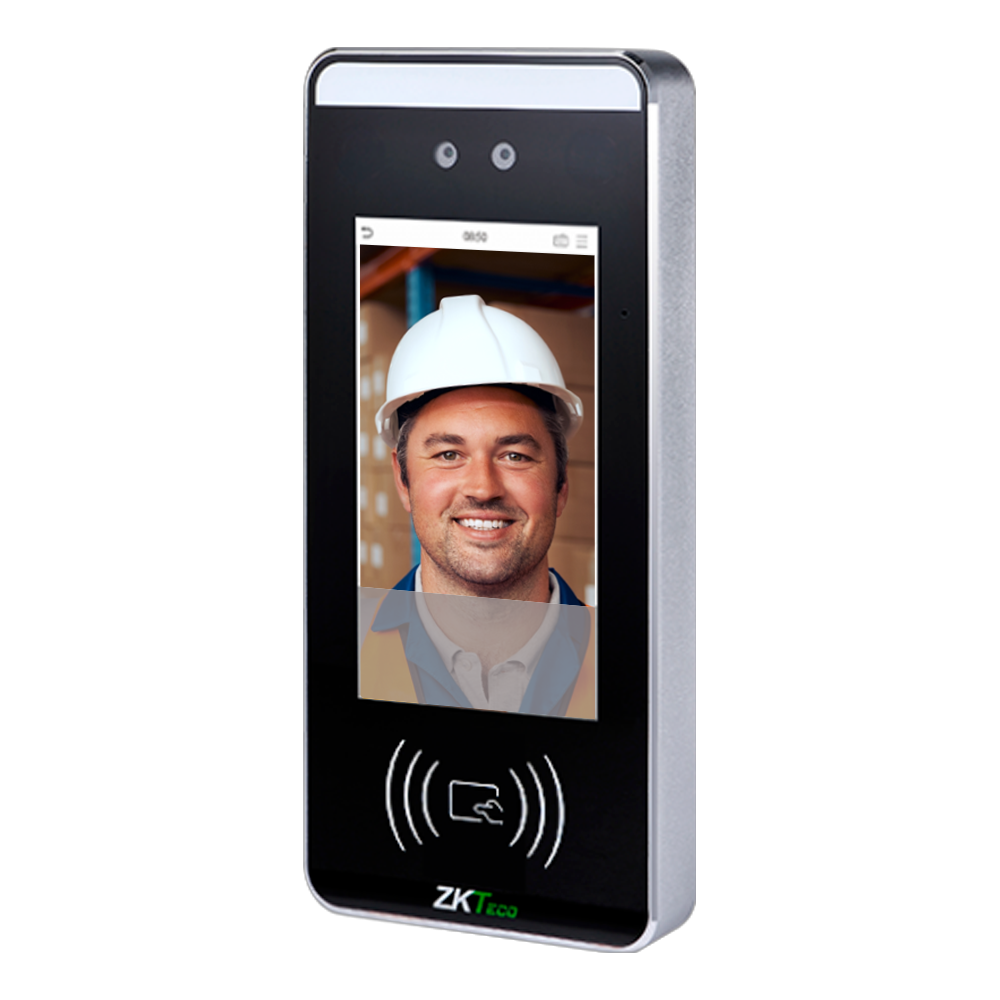
Capture time accurately at the source, without slowing teams down. TimeSmart connects directly to biometric devices so clock-ins and clock-outs flow straight into the system exactly as they happen. Whether staff use facial recognition, palm or fingerprint scanning, tap cards, every entry is securely verified and recorded against the right person. The result is reliable time data from the moment work starts, reduced disputes, and records you can trust to flow cleanly into approvals and payroll without manual intervention.
Payroll
Run payroll with confidence, even when hours and rosters change. TimeSmart keeps time, approvals, leave, and pay rules aligned so pay runs are ready to process without manual clean up. Deductions, KiwiSaver, and holiday pay are handled automatically, with clear workflows, audit visibility, and secure records behind the scenes. The result is payroll that stays accurate, compliant, and easy to run week after week.
Job Costing
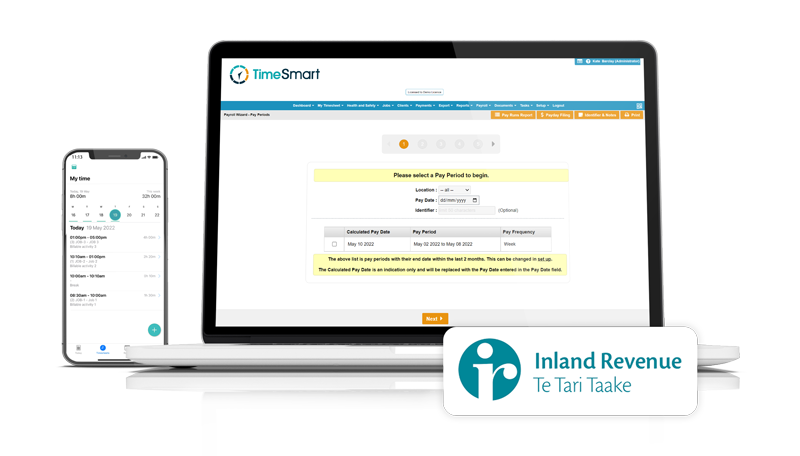
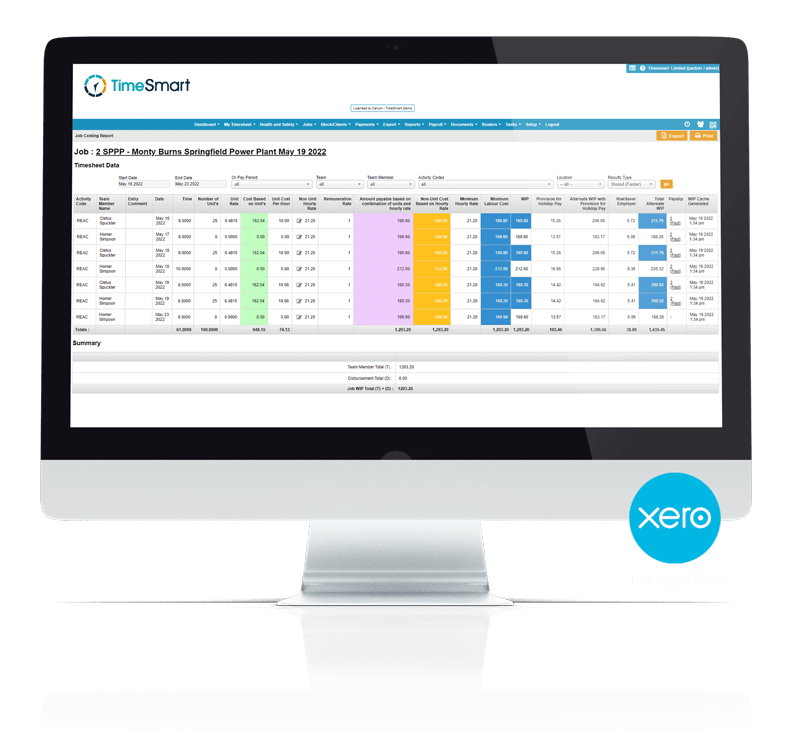
Understand what work really costs, as it happens. TimeSmart connects labour time directly to jobs and activities, giving you clear visibility over costs without manual reconciliation. With automated reporting, built-in checks between wages and job costing, and integration with accounting systems, budgets stay accurate and invoices are ready sooner. The result is better control, fewer surprises, and confidence in the numbers you’re working with.
Rosters & Tasks
Plan work clearly and keep teams aligned day to day. TimeSmart brings rosters, leave, and tasks together so you can see who is working, who is away, and what needs to be done at a glance. Complex work patterns can be set up in advance, tasks stay visible, and time flows naturally from planned work into actual hours. The result is better coordination on the ground and fewer gaps between planning, work, and reporting.
Unit Tracking
Track output as it happens and keep piece rates clear. TimeSmart records units in real time, whether they’re tallied individually or as a team, so everyone knows where they stand. Units can be shared, split across activities, or attributed fairly based on hours worked, keeping totals accurate and transparent. The result is unit tracking that supports fair pay, clear reporting, and confidence in piece rate calculations.

Health & Safety
Keep health and safety clear, current, and easy to manage. TimeSmart brings inductions, risk management, incidents, and audits into one system so everyone knows what applies to them and when. Risks, checklists, and procedures can be updated and shared quickly, records are maintained automatically, and dashboards give you visibility without digging through paperwork. The result is a practical health and safety setup that supports day-to-day operations, keeps teams informed, and maintains a clear audit trail without adding admin.